What "Identity verified" actually means
Some helpers on Pinoyaya carry an ID-Verified badge — but what does that badge actually promise? Here's exactly what it takes to earn one, what we deliberately don't claim, and why the difference matters for your family.
"Verified" is one of the most overused words on the internet. On a lot of platforms it means nothing more than "this person typed in an email address." So when you see a verified badge on a Pinoyaya profile, it's fair to ask: verified how?
Here's the honest, complete answer.
The check that earns the badge
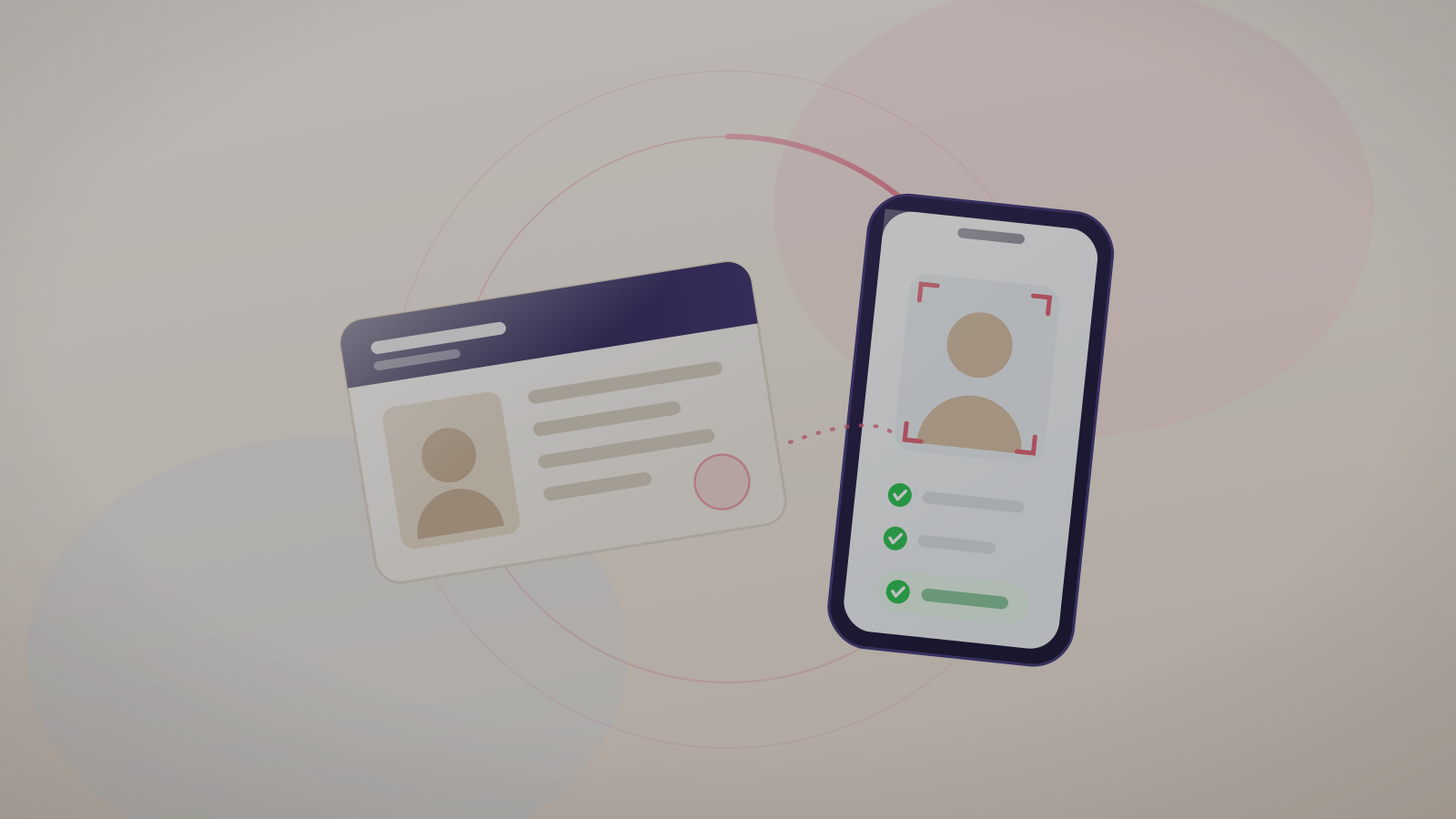
To carry the ID-Verified badge on Pinoyaya, a yaya or housekeeper has to clear an identity check run by a specialist verification provider. It has two parts that happen together:
Government ID
They submit a valid government-issued ID — a PhilSys national ID, driver's licence, passport, or UMID. The provider checks that the document is genuine and unexpired, and reads the name and date of birth from it.
Live selfie match
They take a live selfie — not an uploaded photo — using their phone camera in the moment. The provider matches their real, live face against the photo on the ID. This is the step that stops someone from simply borrowing or buying a stranger's documents.
Only when both pass does the green ID-Verified badge appear on their profile. The badge isn't required to use Pinoyaya — helpers can build a profile and apply to jobs either way — but it's the clearest signal to families that this specific check has been done. Not every helper has completed it yet, so always check for the badge and talk to a helper directly before you hire.
In plain terms: the verified badge means a real person, with a real government ID, proved in real time that the ID belongs to them. The person in the profile photo is the person who owns the ID — and the person you'll be messaging.
Where your data goes (and doesn't)
This part matters, so we're specific about it: Pinoyaya does not store your ID images or biometric data on our own servers. The government ID and live selfie are handled by the specialist verification provider under secure, privacy-compliant infrastructure. What Pinoyaya receives back is only the result — passed, failed, or under review — plus the confirmed name, date of birth, and a verification reference.
That's deliberate. Your most sensitive documents shouldn't sit in more places than absolutely necessary. You can read the full detail in our Privacy Policy.
What identity verification is NOT
This is where we choose to be more honest than most. Identity verification confirms who someone is. It does not tell you whether they're a good employee, a kind caregiver, or free of any criminal record. We will never blur that line, because pretending a badge means more than it does is exactly how families get a false sense of safety.
Identity verification ≠ background check.
A criminal-record or NBI-style background check is separate from identity verification, and Pinoyaya does not carry one out. Some helpers mention an NBI clearance or a training certificate in their own profile description — treat that as a claim to verify, not a credential we have checked, and ask to see the document itself. Both identity verification and background checks are optional for a helper to complete — each shows as its own badge only once they've done it.
So the badge answers the first, most fundamental safety question — "Is this person real and who they claim to be?" — and leaves the judgment questions, rightly, to you. That's what the interview is for. (Our 10 questions to ask before hiring a yaya is a good place to start.)
Why this changes how it feels to hire
Ask any Filipino family who has hired from a Facebook group or a stranger's referral, and the same quiet fear comes up: Is this person even who they say they are? You're handing over your home, your keys, and your children to someone you met a week ago.
Identity verification doesn't remove the need for judgment — but it removes that one specific, gnawing uncertainty. You can spend the interview focused on fit, warmth, and experience, instead of wondering whether the name is even real. And if anything ever goes wrong, there's an accountable, verified identity behind the account — not a ghost.
The rest of the trust picture
Verification is the foundation, but it works alongside a few other safeguards:
- No assumed badges — the ID-Verified badge appears only when a helper has actually completed the check. It is never inferred from a filled-in profile, an uploaded document, or a confirmed phone number.
- In-app chat — you can talk before you ever share your address, so contact details stay private until you choose to connect.
- Reporting — either side can report concerning behaviour; repeat reports lead to suspension and removal.
Together, these are designed to do one thing: let you start every conversation from a place of "this is a real, accountable person" — and make your own confident decision from there.
Browse verified helpers near you
Browse yayas, nannies, and housekeepers on Pinoyaya by city, experience, and rate — and look for the ID-Verified badge on their profile. Chat securely, ₱699 for 30 days of full access.
Get the Pinoyaya app →Related reading
- 10 questions to ask before hiring a yaya
- A plain-English guide to Batas Kasambahay (RA 10361)
- How verification works on Pinoyaya
This article explains how identity verification works on Pinoyaya. Verification confirms identity only; it is not a background check, criminal-record check, or character assessment. Families should always exercise their own judgment when hiring.